Boolean Operations

Boolean operations let you create complex shapes by combining simpler ones. They are the Merge group of the toolbar. Select two or more objects and apply a boolean operation to merge, cut, or find the overlap between them.
All four operations are performed by one Boolean object. The toolbar buttons below just pre-select which operation it starts with, and you can change it afterwards from the row of operation icon tabs at the top of the Properties panel.
| Combine | Subtract | Intersect | Subtract & Replace |
|---|---|---|---|
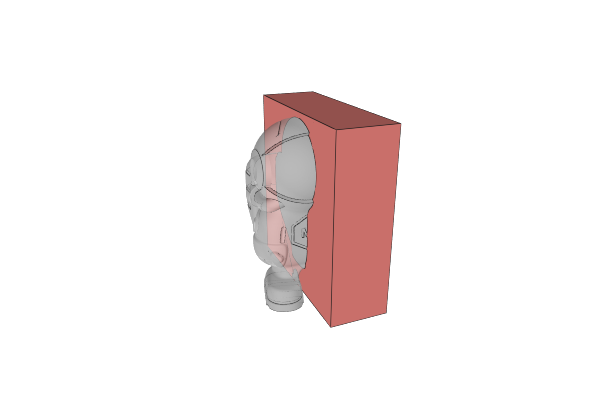 | 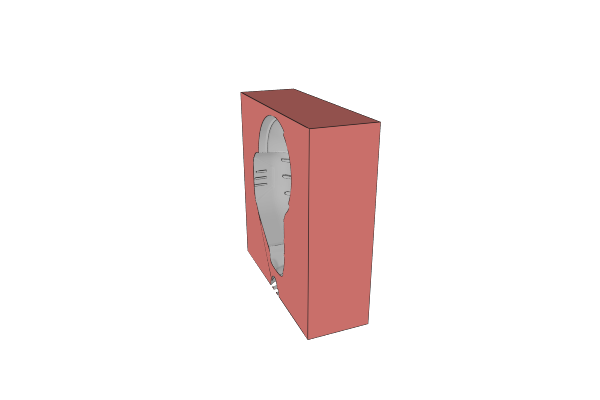 | 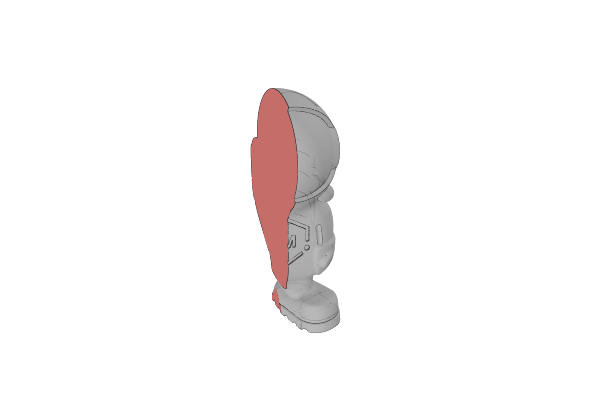 | 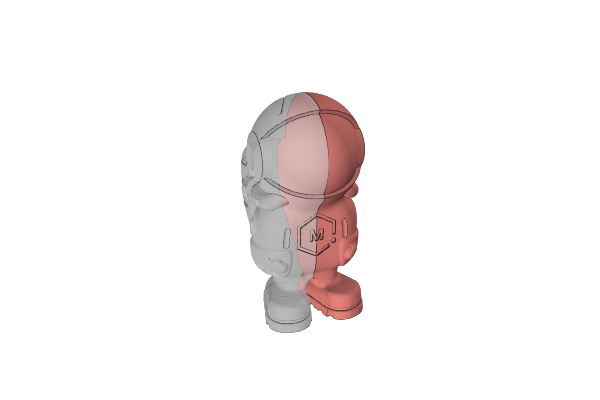 |
Operations
- Combine - Merge multiple objects into a single solid shape
- Subtract - Cut one shape out of another
- Intersect - Keep only the volume where objects overlap
- Subtract and Replace - Subtract one shape from another and replace the cut area