Measure Tool
The Measure Tool lets you measure distances between points in your design. Place measurement points anywhere in the 3D viewport to check dimensions.
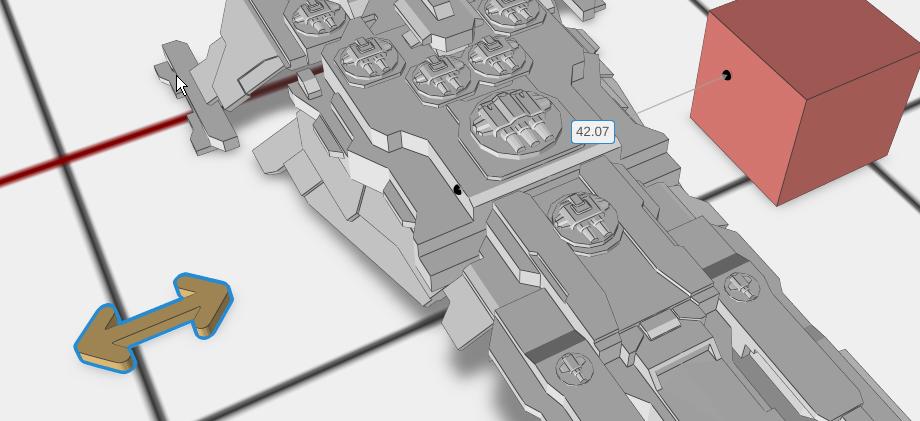
How to Use
- Open the Tools group in the library and drag Measure Tool onto the bed
- Drag the two spheres to the locations you want to measure between
- The distance is drawn in the viewport, on the line between them
Parameters
- Distance - The straight-line distance between the two points, shown read-only in the Properties panel. It is the same number the viewport draws
- Reset - A button that puts the two ends back to their starting positions and clears the reading
Tips
- Use this to verify dimensions before you export
- The Measure Tool measures the straight-line distance between the two spheres, whatever is in between
- Dragging a sphere is undoable, so you can step back to a previous measurement
- The Measure Tool is left out of STL, 3MF and OBJ exports, so you can leave it in your design
Related
- Description - Place a Markdown note in the scene
- Scale - Resize objects to exact dimensions
- Editing Objects - View and edit object dimensions in the Properties panel