Gear 2D
A 2D gear path that creates just the gear tooth profile as a flat path. Use this with Linear Extrude or Revolve for more control over how the gear is built into a 3D shape.
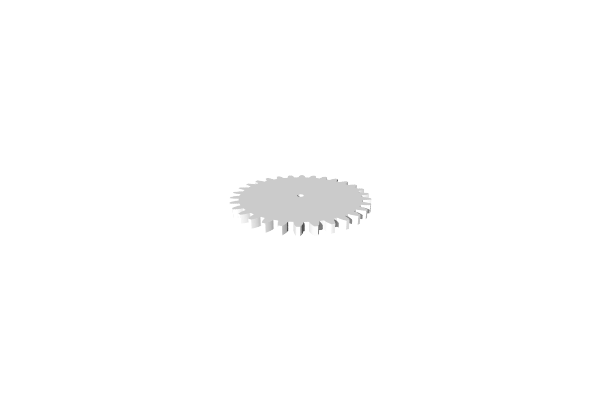
How to Use
- Add a Gear 2D from the mechanical tools
- Configure the tooth parameters
- Apply Linear Extrude to give it height
Tips
- Use Gear 2D when you need to combine a gear profile with other path operations before extruding
- For a ready-to-use 3D gear, see Gears instead
- The same meshing rules apply: matching Circular Pitch and Pressure Angle for gears that work together
Related
- Gears - Ready-to-use 3D gears
- Star Path - A simpler toothed shape
- Linear Extrude - Give the gear path height