Dual Extrusion Align
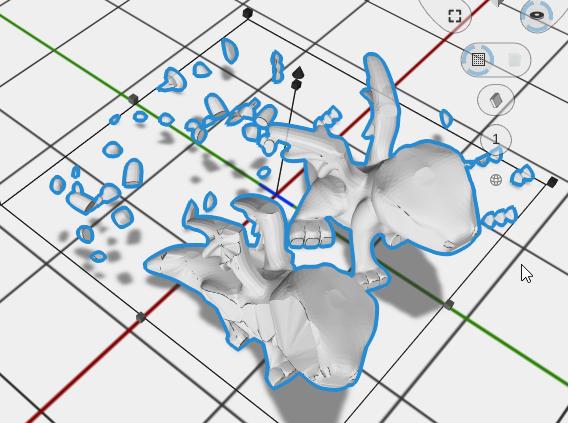
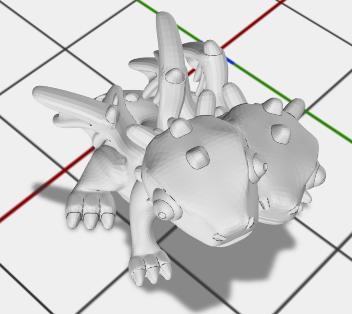
Dual Extrusion Align repositions two or more selected objects so their centers align to their shared modeling origin — the position they were designed to occupy relative to each other for dual-extrusion printing.
| |
| |
|
How to Use
- Select two or more objects
- Apply Dual Extrusion Align from the Placement menu
When to Use
Use this operation when you have parts designed to print together on a dual-extrusion printer but have been moved out of their relative positions. Dual Extrusion Align restores them to their intended shared coordinate space.
Related
- Align - Position objects relative to each other along any axis
- Fit to Bounds - Scale an object to fit within a rectangular boundary